 how-to
How to Pay Electricity Bills in Freetown
Last Updated: October 26, 2026
Quick Summary
You can pay electricity bills in Freetown through mobile money apps like Ezipay SL, mobile banking, USSD codes, or in-person at authorized outlets. Enter your meter number, confirm the amount, and receive an instant receipt.
- Mobile money apps are the fastest payment option for most people in Freetown
- USSD codes allow payment without internet access on basic phones
- Always double-check your meter number before confirming payment to avoid sending money to the wrong account
- Keep your receipt for at least three months as proof of payment
- Check your payment status immediately after paying and contact support if you see no confirmation within minutes
Table of Contents
- How to Pay Electricity Bills in Freetown: Payment Methods
- Entering Your Electricity Meter Number for Payment
- Check Electricity Bill Payment Status and Get Your Receipt
- Frequently Asked Questions
How to Pay Electricity Bills in Freetown: Payment Methods
Ezipay SL helps users pay electricity bills securely through mobile money, banking apps, and USSD codes, no long queues or cross-town travel required.
The main options are mobile money apps and wallets, mobile banking, USSD codes on basic phones, and in-person payment at authorized outlets. Choose whichever is easiest for you.
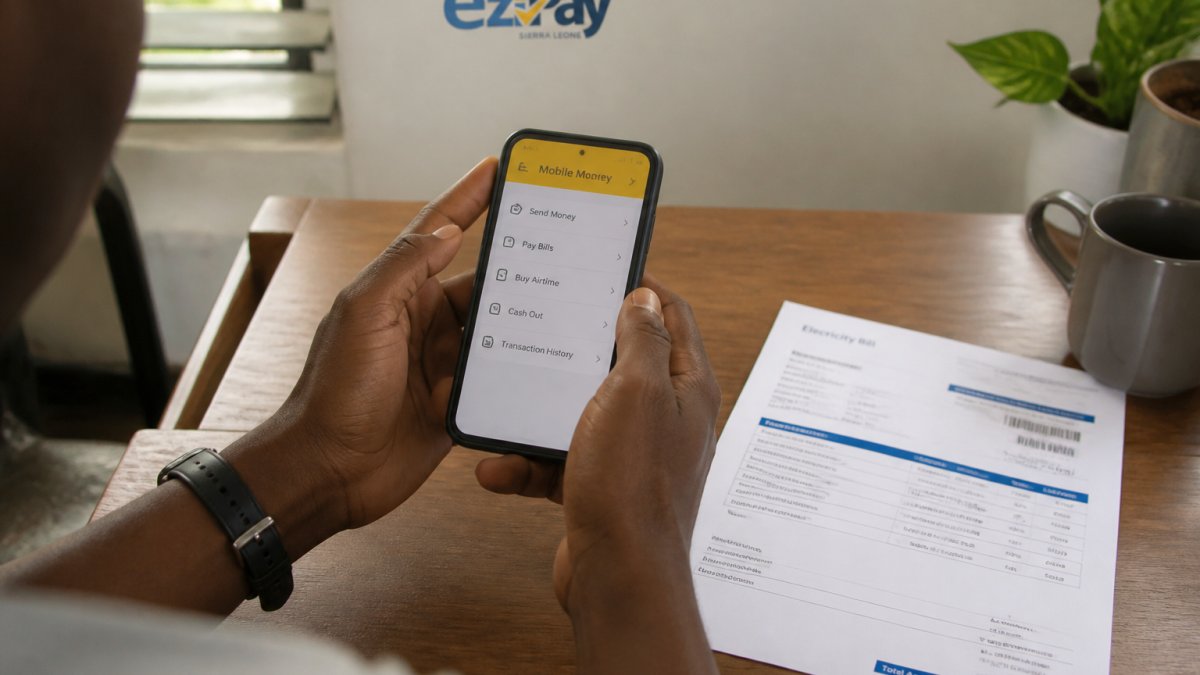
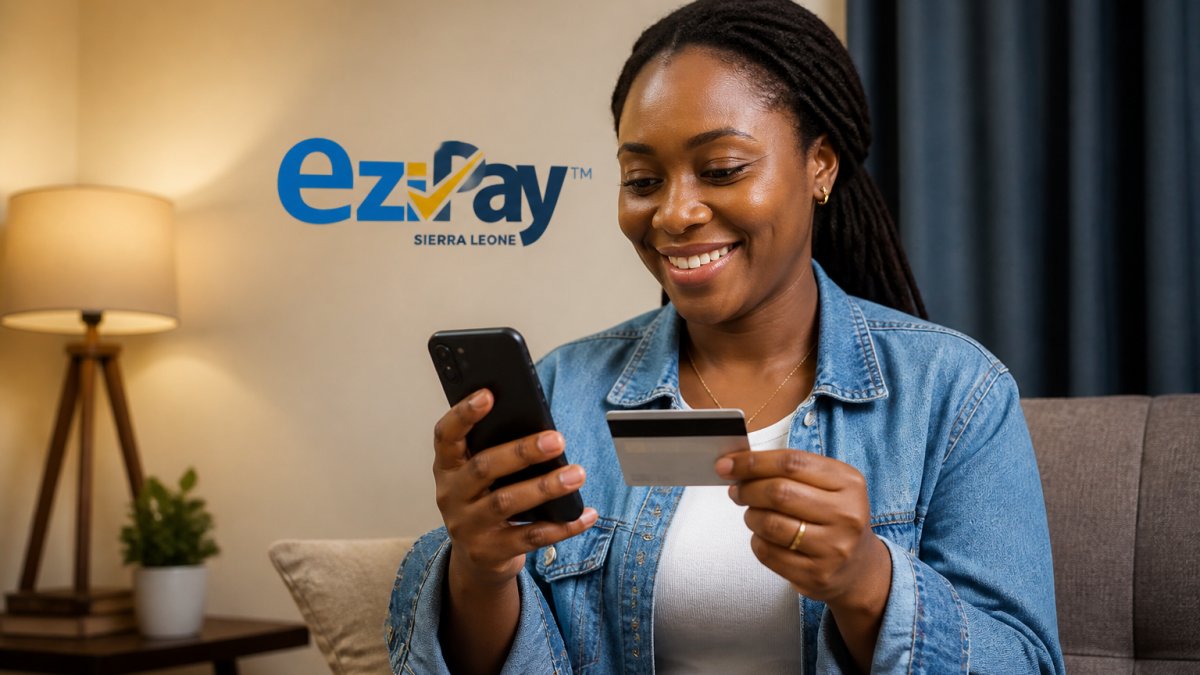
Mobile money payment is the fastest option for most people. Apps like Ezipay SL let you enter your meter number, confirm the amount, and pay instantly from your wallet or linked card, with an immediate receipt.
Mobile banking works through your bank's app: log in, find the utilities section, enter your account details, and complete the transaction. It's secure and leaves a clear bank record.
USSD codes work without internet access: dial the code, follow the prompts, and the payment processes through your mobile credit or linked account.
Freetown residents can choose from several payment methods, each with distinct advantages.
| Payment Method | How It Works | Best For |
|---|---|---|
| Mobile money apps | Enter meter number, confirm amount, pay instantly | Fastest option for most people |
| Mobile banking | Log into bank app, find utilities section, complete transaction | Secure payments with clear bank record |
| USSD codes | Dial code, follow prompts, pay via mobile credit | Users without internet access |
| In-person at authorized outlets | Visit outlet and pay directly | Those preferring face-to-face payment |
Entering Your Electricity Meter Number for Payment
Your meter number is the key to paying the right bill. Find it on your physical electricity bill or on a label on the meter itself; it tells the system which account to charge.
Double-check every digit before confirming, use only numbers (no letters or spaces), and remember that a mistake may send the payment to the wrong account.
The system then shows your outstanding balance. Review it carefully; if the amount seems wrong, contact your electricity provider's customer service before paying, because once you submit, the transaction is final.
Check Electricity Bill Payment Status and Get Your Receipt
After you pay, always check that your payment went through. Your receipt is proof that you settled your bill.
Most digital payment platforms show your status immediately: a confirmation message, an SMS or app notification, and a receipt on screen or by email.
Keep your receipt for at least three months; it proves payment in any dispute. If your payment fails or you see no confirmation within a few minutes, contact Ezipay SL support or your bank right away. Always verify rather than assuming it went through.
Frequently Asked Questions
What information do I need to pay my electricity bill online?
You'll need your electricity meter number (printed on your bill), the bill amount, and your payment method details. Your meter number is the unique identifier for your account with the electricity utility. Have your bill handy so you can enter the correct amount. Most online payment platforms ask you to confirm these details before processing the transaction.
Can I pay an electricity bill using a mobile wallet?
Yes. Mobile money services in Sierra Leone support electricity bill payments through their apps or USSD codes. Select your utility provider, enter your meter number and bill amount, and confirm the payment. The transaction is processed instantly in most cases. Mobile wallets offer convenience because you can pay from anywhere without visiting a shop or bank.
How do I check whether my electricity payment went through?
After submitting payment, your mobile app or bank should show a confirmation message immediately. Check your transaction history or payment receipt for the reference number. You can also contact your electricity utility's customer support or log into your utility account online to verify that your payment was received and credited. Keep your receipt for your records.
Managing your electricity payments digitally saves time and gives you a clear record of every transaction. With Ezipay SL, you can pay your bills anytime, anywhere, with advanced security and 24/7 support to help if anything goes wrong. Download the app today and settle your next bill in under two minutes.